AI email intelligence
that lives inside your inbox
A five-layer pipeline running inside Gmail and Outlook. No migration. No new tool to learn.
Works with Gmail and Outlook • No credit card required
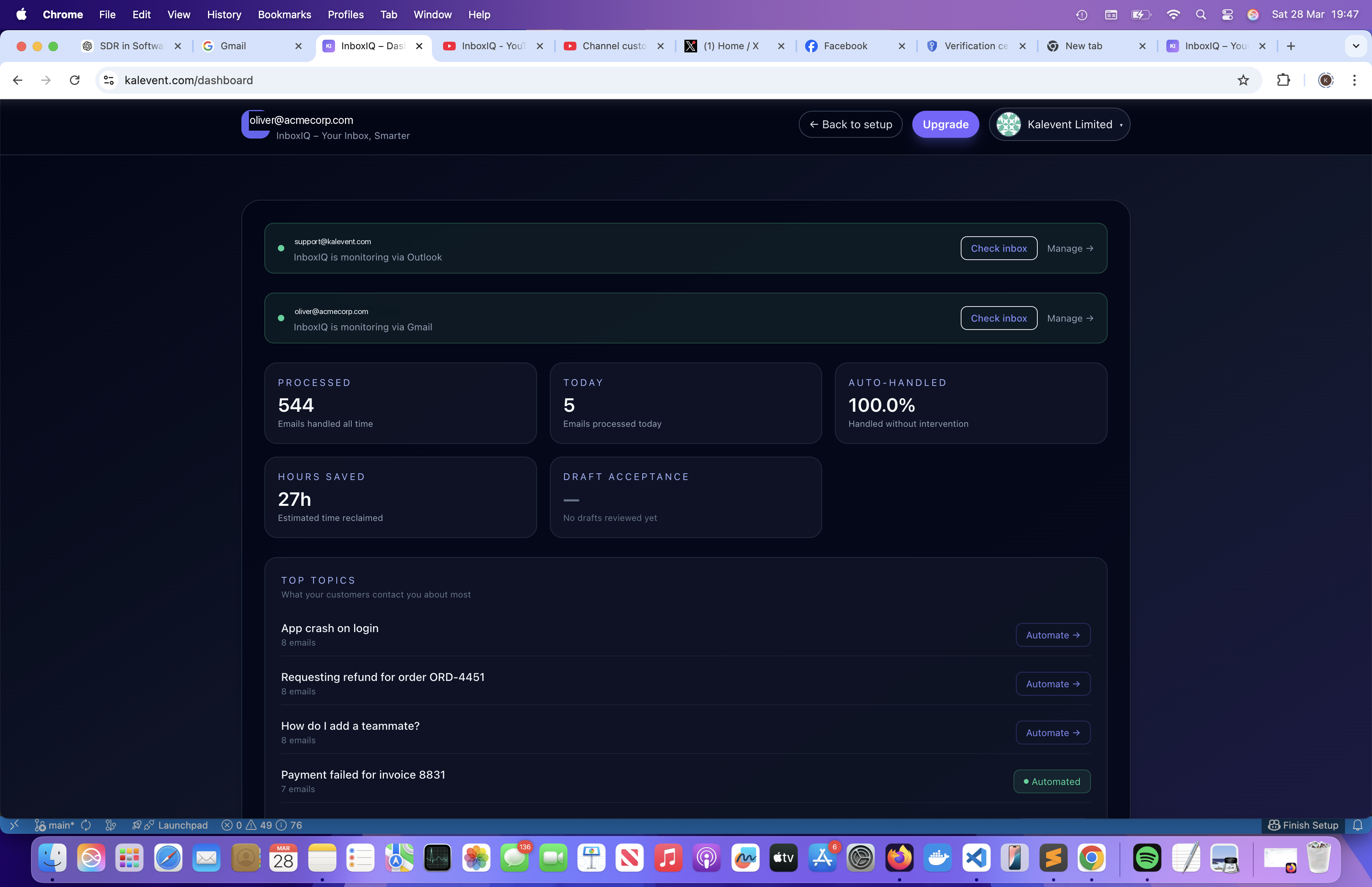
Five layers. One inbox.
Each layer builds on the one before. Start with triage, add drafts when you're ready, activate automation once your rules are dialled in.
Triage
Every email classified, prioritised, and assigned before you open it.
Draft replies
KB-grounded reply drafts ready for review. You send.
Automation
Rules built on AI decisions — not keywords.
Multi-inbox
Your whole team connected. Each inbox independent.
Analytics
Top topics, response times, team activity.
The decision engine that runs before you open your inbox
Every email is processed before you see it — classified by intent, urgency detected, ownership assigned. No rules to write. The model learns your patterns and improves as you correct it.
- ✓Intent classification — support, billing, sales, spam, transactional, and custom categories
- ✓Urgency detection — surface escalations before they become fires
- ✓Sentiment analysis — flag frustrated customers automatically
- ✓Human override — one click to correct; model learns immediately
Triage runs on every inbox independently. No shared data between accounts.

1.5–2 hours recovered per person, per day.
How KB-grounded drafts work
- 1.InboxIQ reads the email and detects the question or request.
- 2.It searches your connected knowledge base for relevant articles.
- 3.A draft reply is generated, grounded in your actual documentation.
- 4.The draft appears in your dashboard — review, edit, or discard.
- 5.You send from your own inbox. InboxIQ never sends on your behalf.
Drafts grounded in your knowledge base. You stay in control.
InboxIQ never sends email on your behalf. It prepares a reply grounded in your actual documentation so you spend 30 seconds reviewing instead of 5 minutes writing from scratch.
- ✓Drafts appear in the dashboard — never sent without your review
- ✓KB gap detection — repeated questions with no article trigger a notification
- ✓AI meeting scheduling — detects scheduling requests and includes available calendar slots in the draft. No Calendly required.
Meeting requested? A booking link is already in the draft.
When InboxIQ detects a meeting request, it generates a scheduling link and embeds it in the draft reply automatically. No Calendly. No back-and-forth.
- 1.AI detects "can we find a time?" in the incoming email.
- 2.A signed booking link is embedded in the draft reply — one click for the visitor.
- 3.Visitor picks a slot. Calendar event and Meet/Teams link sent to both parties.
- ✓Works with Google Calendar and Outlook Calendar
- ✓No third-party scheduling tool required
Rules that fire on what the AI decided — not just keywords
Traditional email rules match on sender or subject line. InboxIQ rules trigger on triage output: intent, urgency, sentiment, and category. Write rules in plain English.
- ✓Natural-language rule builder — "If support and urgent, notify Slack #oncall"
- ✓Actions — label, archive, forward, assign, webhook, draft, reply with template
- ✓Audit trail — every execution logged with the AI decision that triggered it
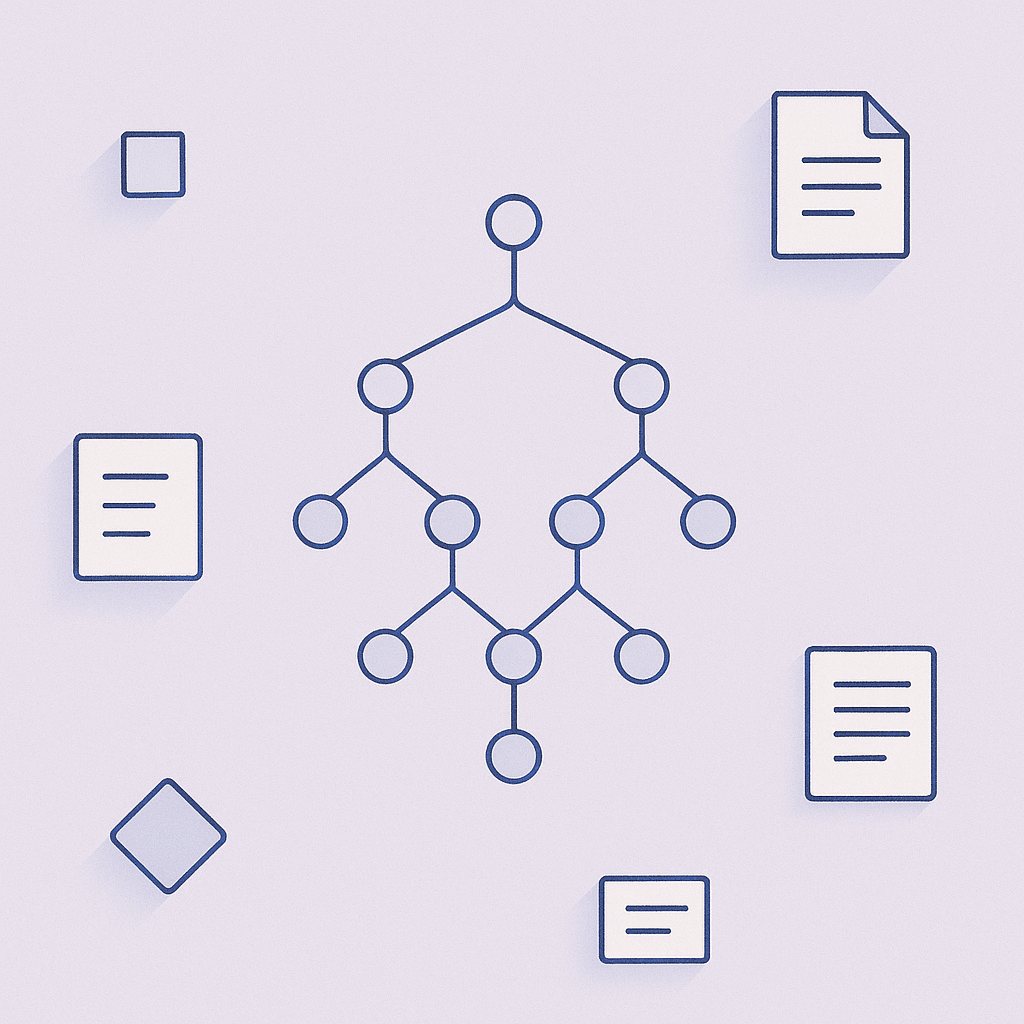
WHEN support and urgent THEN notify Slack #oncall
WHEN sentiment is frustrated THEN flag for founder review
WHEN transactional THEN archive silently
Why per-inbox beats per-seat
A 10-person team where only 4 people get meaningful email volume pays for 4 inboxes, not 10 seats.
InboxIQ includes AI triage, draft replies, and automation. The competing tool does not.
One invite link. Every inbox connected.
InboxIQ augments each person's own inbox — not a shared inbox. Share a single invite link and every teammate connects their Gmail or Outlook in under two minutes.
- ✓Multi-inbox invite link — one URL, each teammate connects their own inbox
- ✓Per-inbox pricing — pay only for active inboxes, not per seat
- ✓No migration, ever — inboxes stay in Gmail/Outlook where your team already works
Know exactly what your inbox is costing you
The dashboard shows what your team actually spends time on — broken down by topic, intent, and urgency. Use it to prioritise hiring, update your KB, or decide which automation rules to build next.
Top Topics clusters email subjects by semantic similarity — so "payment failed", "billing issue", and "can't charge my card" surface as one topic, not three.
Dashboard metrics at a glance
Top topics this week (clustered from real email subjects)
Action required vs auto-handled breakdown
Urgent email count and average response time
Triage accuracy based on your feedback corrections
KB article usage in drafts — spot documentation gaps
How InboxIQ compares
Most alternatives require you to move email into a new tool. InboxIQ stays inside your existing inbox.
| Feature | InboxIQ | Superhuman | Help Scout AI | Front AI |
|---|---|---|---|---|
| Works inside Gmail / Outlook | ✓ | ✓ | — | — |
| No inbox migration required | ✓ | ✓ | — | — |
| AI triage + urgency detection | ✓ | — | ✓ | ✓ |
| KB-grounded draft replies | ✓ | — | ✓ | ✓ |
| Post-triage automation rules | ✓ | — | ✓ | ✓ |
| Multi-inbox invite link | ✓ | — | — | — |
| Per-inbox pricing (not per-seat) | ✓ | — | — | — |
| AI meeting scheduling from email | ✓ | — | — | — |
| Human always sends (no auto-send) | ✓ | ✓ | — | Optional |
Based on public documentation as of 2025. Features may vary by plan.
Built for founders and ops leads at growing B2B SaaS companies
You're the right fit if…
- › You handle 50–300 emails per week
- › 40%+ are repetitive (support, billing, onboarding)
- › You've rejected Zendesk/Intercom as too heavy
- › Your team lives in Gmail or Outlook already
- › You want AI to assist, not take over
Common titles
- › Founder / Co-founder
- › Head of Operations
- › Customer Success Lead
- › Support Manager (small team)
- › Technical founder wearing ops hat
Typical team size
- › 5–50 people
- › $500K–$5M ARR
- › No dedicated support team yet
- › 1–3 inboxes handling customer email

Stop spending your mornings sorting email
Connect your Gmail or Outlook in under two minutes. InboxIQ starts triaging immediately — no training data required, no configuration needed to get started.
No credit card required • Works with Gmail and Outlook • Cancel any time